Install Otakada Main; Movement and Shop App
Install Once. Disciple Forever.
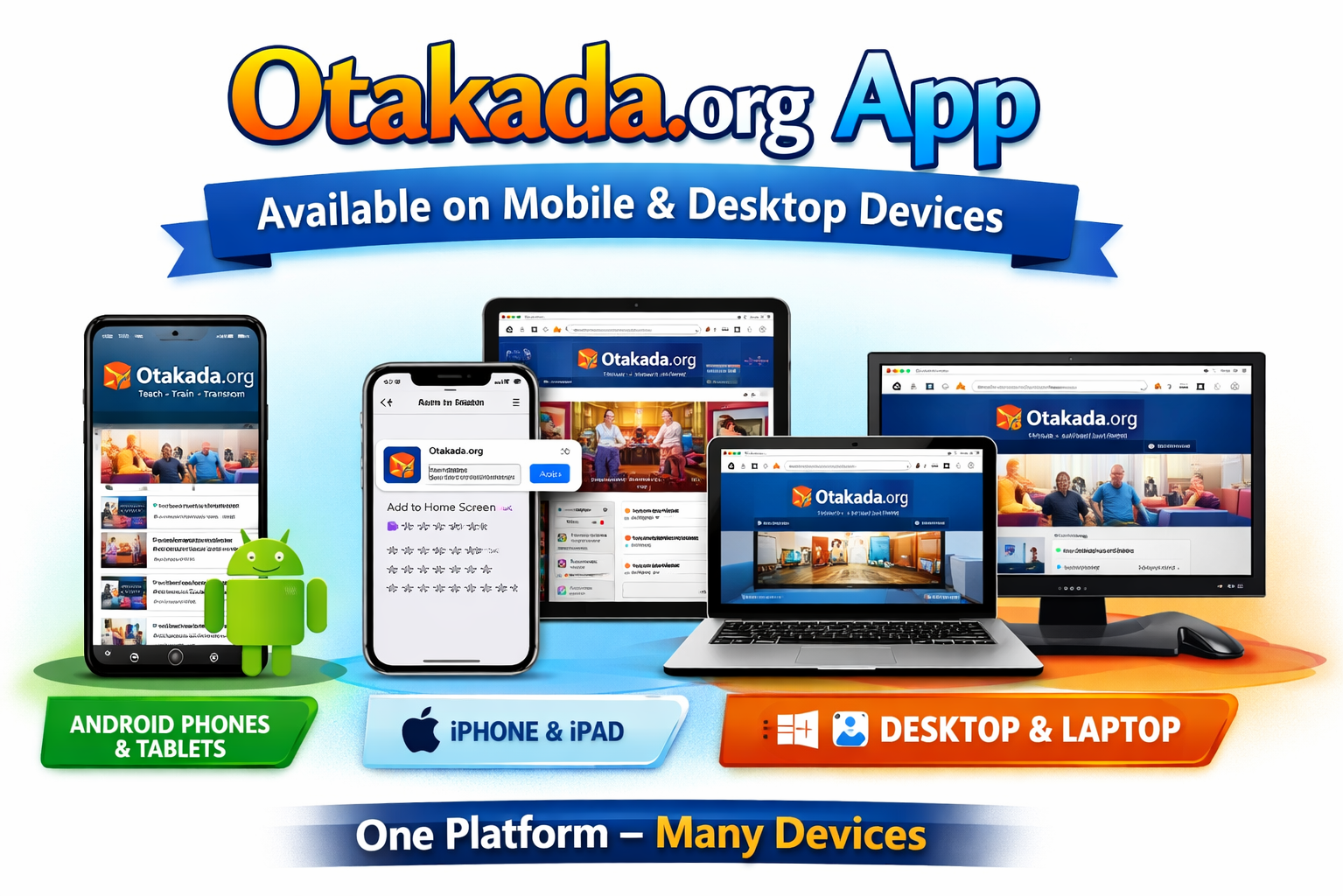
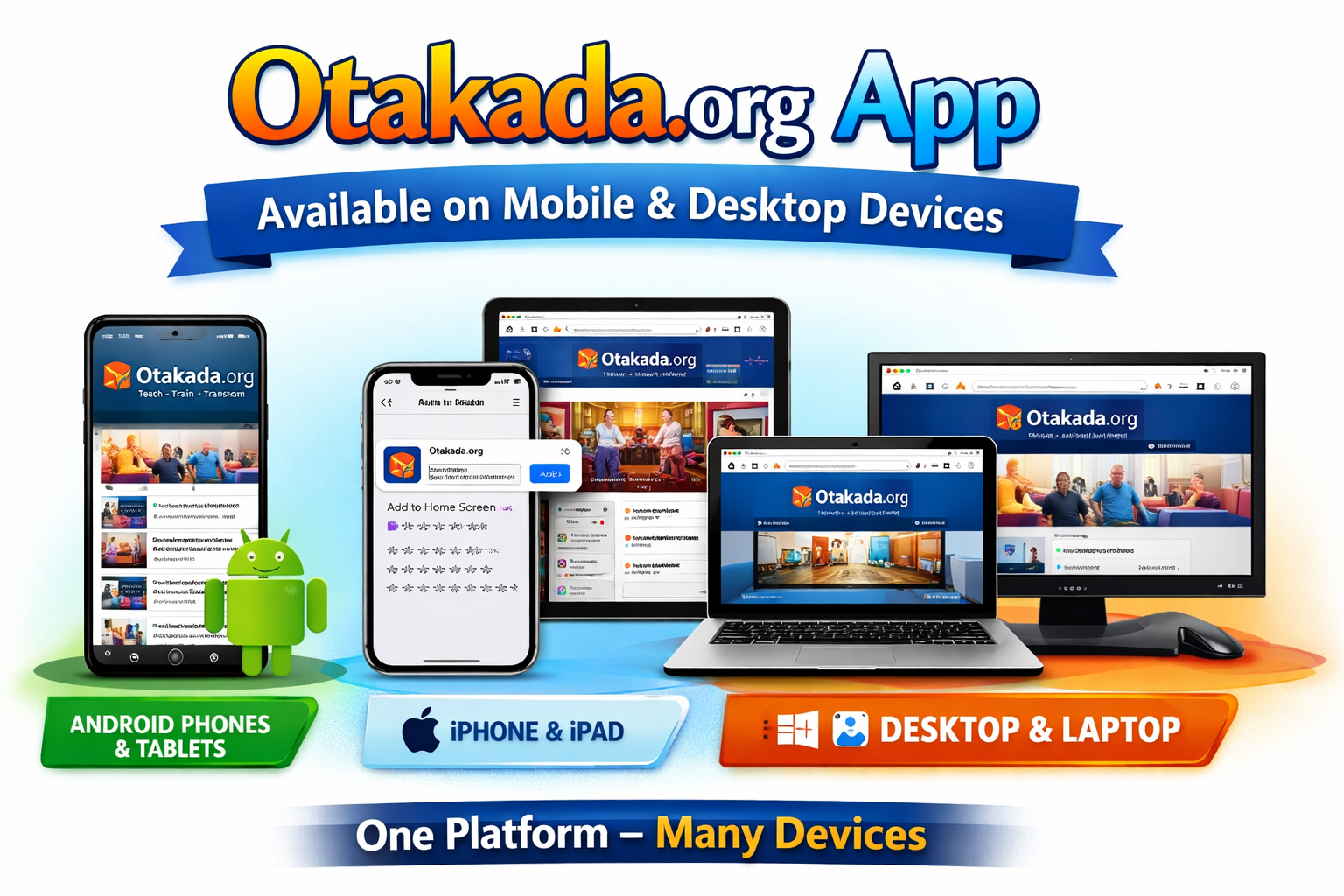
Otakada Main is now available as an installable web app. No APK is required. No Play Store delay. No App Store barrier. Open the website, install it on your device, and continue accessing teachings, books, ministry resources, updates, and discipleship content from your phone, tablet, or computer.
Android Supported
iPhone & iPad Supported
Desktop Supported
Online & Synced Access
Why This New App Is Better
✅ No APK Installation
You no longer need to download an APK file or enable “install from unknown sources.” The app installs directly from the browser using secure web app technology.
📱 Works Across Devices
Android, iPhone, iPad, Windows, macOS, Linux, Chrome, Edge, and Safari are supported. One platform, many devices.
⚡ Faster Access
Once installed, Otakada Main opens like an app from your device home screen, app drawer, desktop, start menu, or dock.
🌍 Discipleship Without Barriers
The goal is simple: internet access, app stores, device restrictions, or platform limitations should not become obstacles to discipleship.
Discipleship Should Not Stop Because the Internet Stops
Otakada Main is part of the wider Otakada digital ecosystem built to support teaching, publishing, fellowship, prayer, discipleship, and Kingdom resources across devices and nations.
How to Install on Android

Android Phones & Tablets
- Open Chrome on your Android phone or tablet.
- Visit https://www.otakada.org.
- Wait for the install prompt that says Install Otakada MAIN.
- Tap Install.
- Wait for Android to complete the installation.
- Look for Otakada MAIN on your Home Screen or App Drawer.
- Open it like a normal app.
Tap the Chrome menu ⋮ at the top right, then select Add to Home screen or Install app.
How to Install on iPhone & iPad
Apple iOS Devices
- Open Safari on your iPhone or iPad. Safari is required for the best install experience on Apple devices.
- Visit https://www.otakada.org.
- Tap the Share button.
- Scroll and choose Add to Home Screen.
- Tap Add.
- Open Otakada MAIN from your Home Screen.
How to Install on Desktop & Laptop
Windows, macOS, Linux, ChromeOS
- Open Chrome or Microsoft Edge.
- Visit https://www.otakada.org.
- Look for the Install icon in the address bar.
- Or open the browser menu and choose Install app.
- Confirm the installation.
- Launch Otakada MAIN from your desktop, start menu, applications folder, or dock.
Which Otakada App Should I Install?
One Otakada Ecosystem

Otakada MAIN
Main teaching, publishing, books, articles and ministry resources.
Otakada Move
Discipleship, DBS, prayer, training, fellowship and movement resources.

Otakada Shop
Books, music, courses, digital resources, orders and downloads.
🦅 Otakada MAIN
Main teaching, publishing, articles, books, ministry updates, and resources.
🌍 Otakada Move
Discipleship, 366DaysDBS, Pray4Nations, training, fellowship, Bible, and movement resources.
🛒 Otakada Shop
Books, music, courses, digital resources, orders, downloads, and Kingdom products.
Important Notes
- You do not need an APK anymore.
- You do not need to enable “unknown sources.”
- You do not need Google Play Store or Apple App Store approval to install.
- Use the official website address only: https://www.otakada.org
- If the app does not appear immediately after installation, check your App Drawer, Home Screen, or browser app list.
- If the install option still appears after installation, clear your browser cache or wait for the browser to refresh its app record.
FAQ
Do I still need to download the Android APK?
No. The APK method has been replaced. Otakada Main now installs directly from the website as a web app.
Is this safe?
Yes. You install directly from the official Otakada website. No third-party APK download is required.
Can iPhone users install it?
Yes. iPhone and iPad users should open Safari, visit Otakada.org, tap Share, and choose Add to Home Screen.
Can I install all three apps?
Yes. You can install Otakada MAIN, Otakada Move, and Otakada Shop separately. Each one has its own identity and purpose.
Does it work without internet?
The app is designed to keep synchronized resources available and to improve access when connection is weak or unavailable. New updates and live features require internet.
Get Started Now
Open Otakada Main and install it on your device today.
Shalom,
Ambassador Ogbe
https://www.otakada.org
🌍 Connected Kingdom Resources
Grow. Train. Pray. Discover Your Calling. Stay connected with the movement.